All features
UDP port monitoring

UDP port monitoring that checks for a real reply

UDP services have no handshake, so an open port looks the same as a dead one. A UDP check sends the request your service answers, such as a game server status query or an NTP request, and is up only when the right reply comes back.

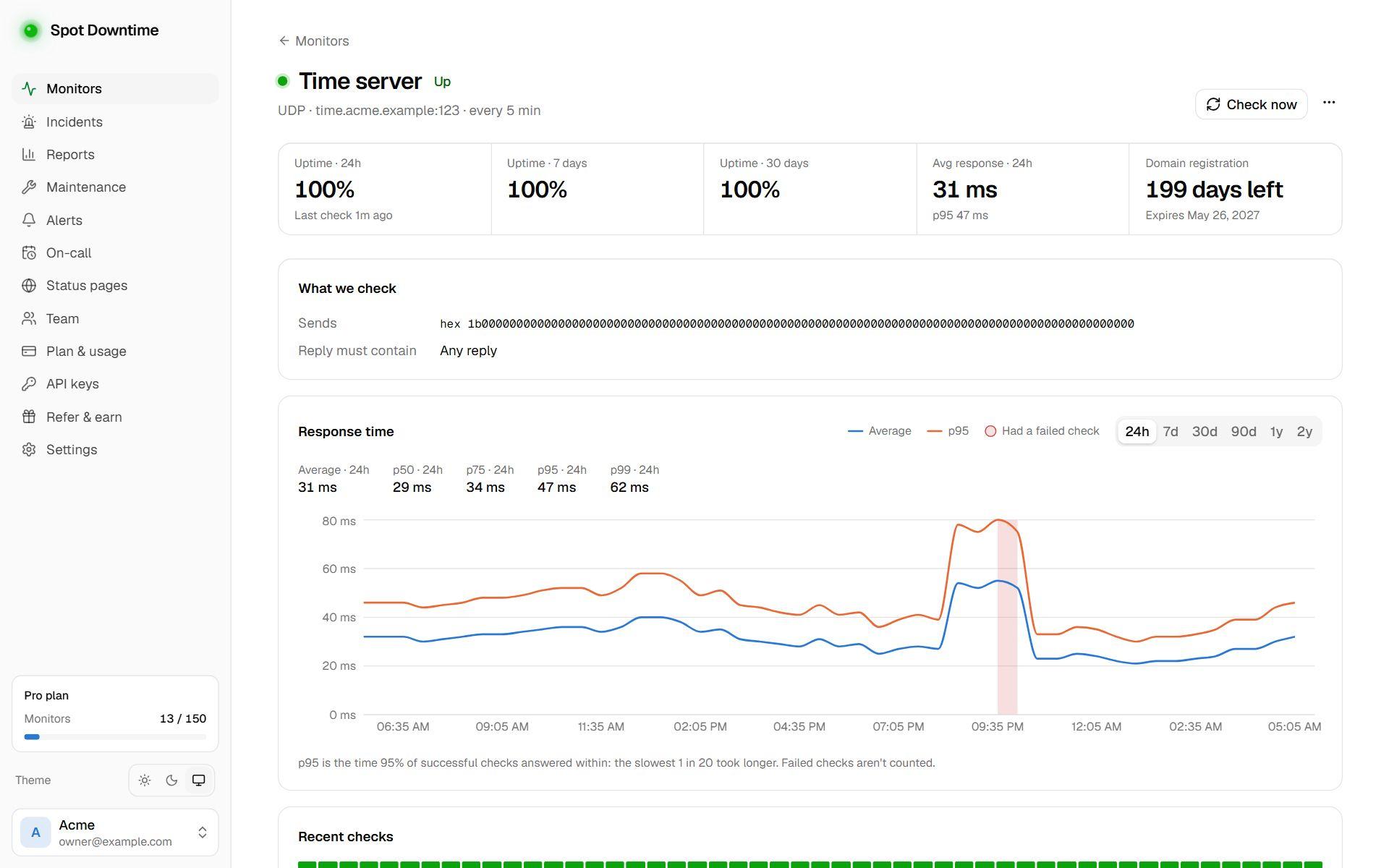
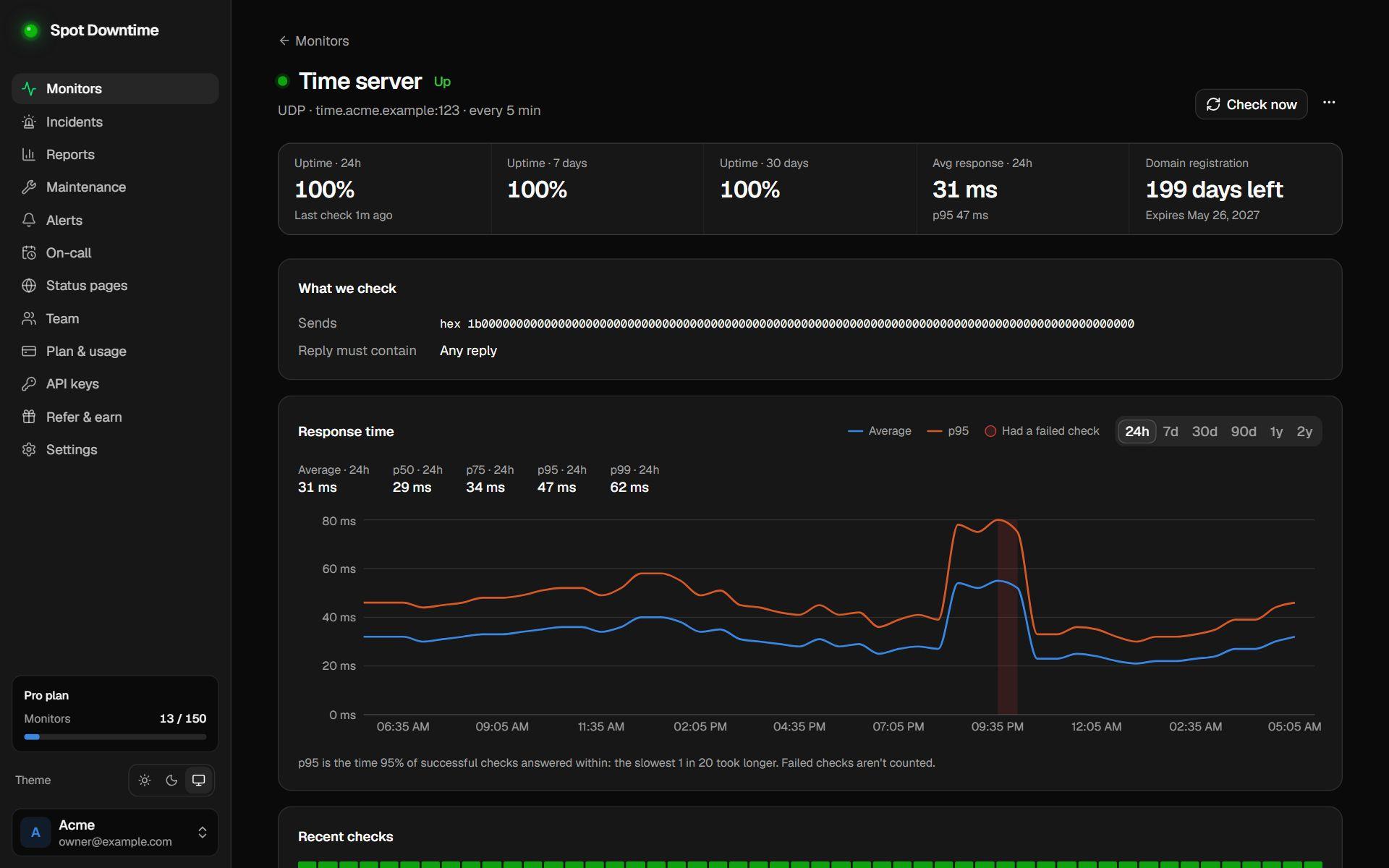
A UDP monitor for an NTP time server

Your request, your reply

Send any text or hex bytes and require the reply to contain specific text or bytes.

Closed ports caught at once

If the server answers with ICMP port unreachable, the check fails right away instead of waiting for a timeout.

Checked from near your players

A missed reply is retried and confirmed from other regions before it counts. On Starter and Pro, check from Amsterdam, Singapore or several regions at once.

Safe by design

Like every check, UDP checks can't be pointed at private or internal network addresses.

What is UDP port monitoring?

Game servers, NTP time servers, VoIP, SIP, syslog and many IoT protocols talk over UDP instead of TCP. A UDP port monitor sends one datagram to the host and port on a schedule and waits for an answer. If nothing comes back within 10 seconds, the port is closed, or the answer isn't what you expected, the monitor goes down and your team is alerted.

It works on any port from 1 to 65535, with no agent to install. Each reply's round-trip time is recorded on the response-time chart.

Why UDP needs a request and a reply

TCP has a handshake, so a port check can tell an open port from a closed one just by connecting. UDP has none: a datagram sent to a running service and one sent to a dead server both disappear silently. The only proof a UDP service works is an answer to something it understands.

So you tell the monitor what to send, such as a game server status query or an NTP request, and optionally what the reply must contain. Use plain text for text protocols, or tick hex for binary ones. If the server sends back ICMP port unreachable, the check fails at once instead of waiting for the timeout.

Fewer false alarms

UDP has no retransmission, so a single lost packet can look like an outage. When a check fails, Spot Downtime retries it after 2 seconds and checks from other regions at the same time; the monitor only goes down when most of them agree. On Starter and Pro you can run every check from Amsterdam or Singapore, or from several regions at once, to watch a server from where its players are.

Checks come from the public internet and private addresses are blocked, so the service must be reachable from outside. For DNS servers, a DNS monitor is the better fit: it checks the records that come back, not just that the server replied.

How to set it up

  1. 1Click Add monitor and choose UDP port.
  2. 2Enter the host and port, like game.example.com:27015.
  3. 3Enter what to send and, optionally, what the reply must contain. Tick hex for binary protocols.
  4. 4Pick how often to check and save. Each reply's round-trip time goes on the response-time chart.

The details

Counts as up
A reply arrives within 10 seconds and contains the expected text or bytes, if set
Counts as down
No reply, ICMP port unreachable, a reply without the expected content, or a private address
Payload
Text or hex, up to 1,024 bytes each for the request and the expected reply
Reply match
The expected text or bytes anywhere in the reply; exact, case-sensitive
Check interval
5 min to 1 hour on Free; 1 min on Starter; 30 s to 1 hour on Pro
Check regions
The US on every plan; on Starter and Pro, Amsterdam, Singapore or several at once, chosen per monitor
Plan
All plans, including Free

Questions

Why does a UDP check need a request?
UDP has no connection to open. A service only proves it's alive by answering, so the check sends something it will answer.
What should I send to an NTP server?
Tick hex and send 1b followed by 47 zero bytes (94 zeros). Any reply means the server is answering time requests.
How do I write hex?
Two digits per byte, like 1b 00 00. Spaces, colons and a leading 0x are ignored, so 0x1B:00:00 works too. When a reply doesn't match, the alert shows the start of what came back, in hex.
Should I use a UDP check for a DNS server?
Use a DNS monitor instead. Set its resolver to your server's IP address and it checks that real records come back, not just that the server replies.

Set up UDP port monitoring in under a minute

Included on the Free plan. No card needed.

Create a free account