Why containers need their own monitoring
A container can fail without the website going down. A queue worker exits, a scheduled job's container stops, a sidecar runs out of memory: the homepage still loads, so an uptime check stays green while orders pile up unprocessed.
Restart policies make it harder to notice. With restart: always or unless-stopped, a crashed container is back in seconds. That keeps things running, but a container that crashes every hour, or loops forever, never shows up anywhere unless something is watching its exit codes and restarts.
What Spot Downtime watches
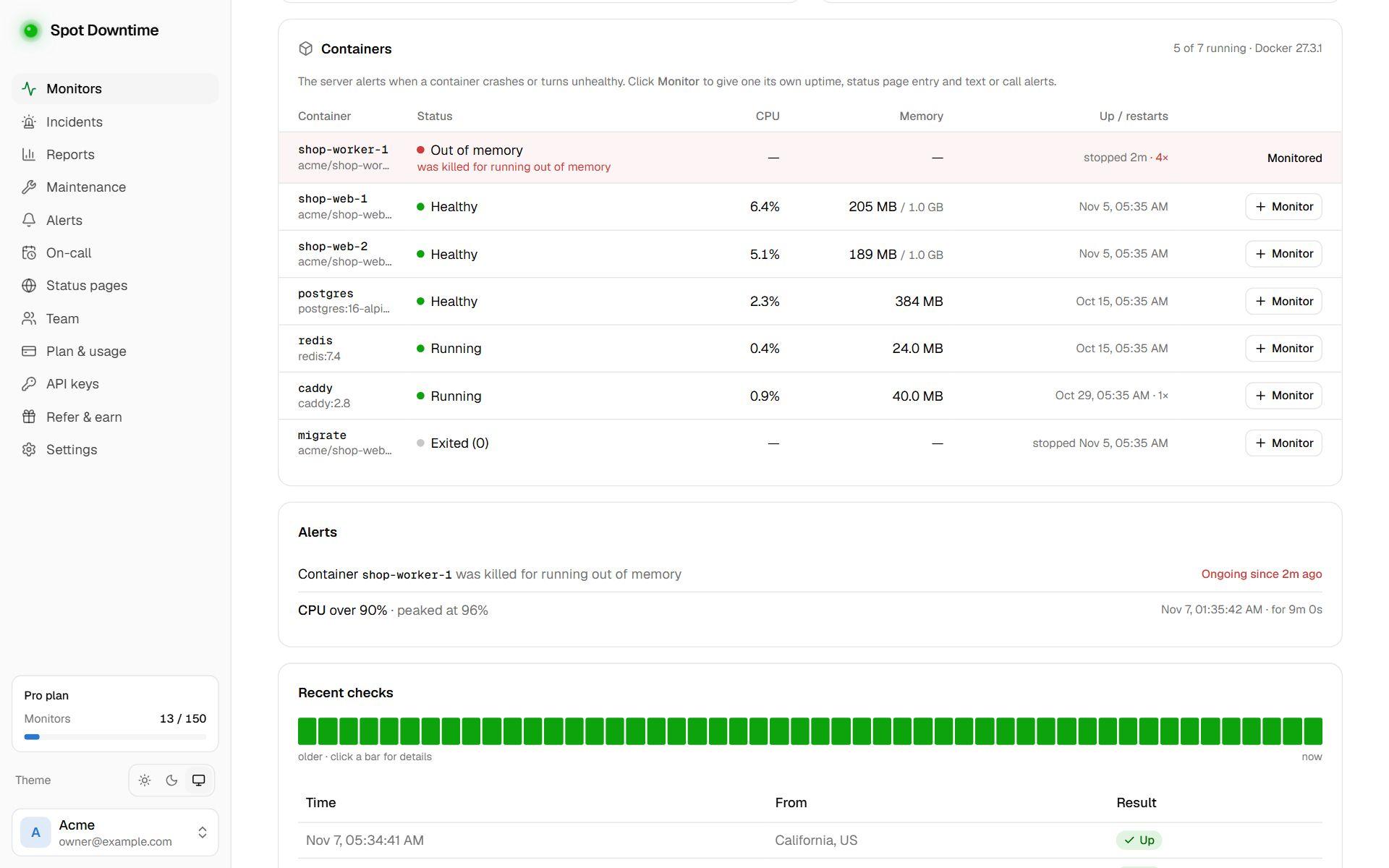
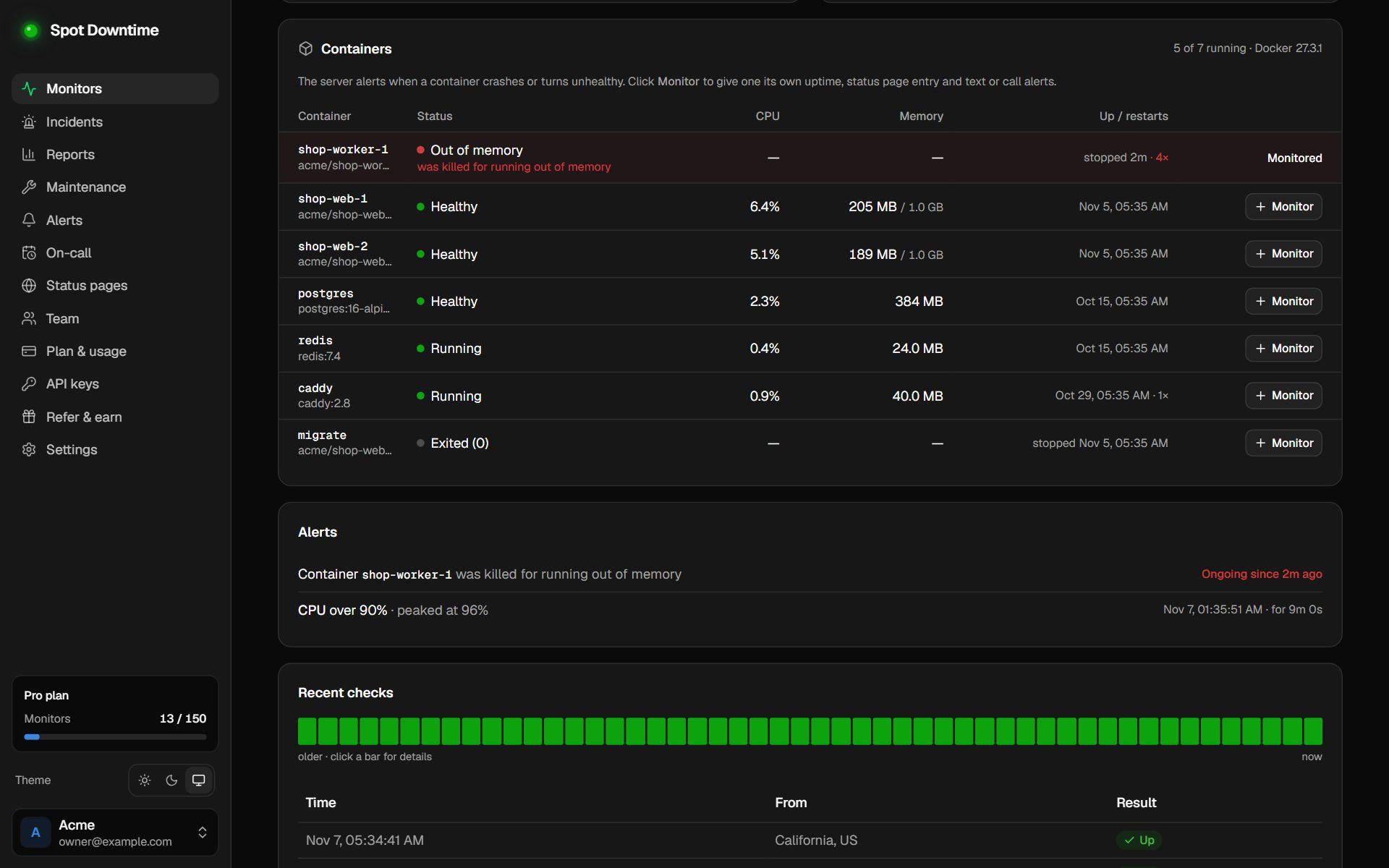
The server agent reads Docker Engine on the host every minute: each container's state, health check result, exit code, whether the kernel killed it for memory, how many times it has restarted, and the CPU and memory of running ones. The server's page lists them, problems first.
You're alerted when a container exits with an error code, is killed for running out of memory, is stuck restarting, crashed and was restarted since the last report, is dead, or fails its health check. Exit code 0 and the signals docker stop sends count as a clean stop, so deploys don't alert. An alert resolves once the container has run normally for two minutes, so a crash loop sends one alert, not one a minute.
A monitor for the containers that matter
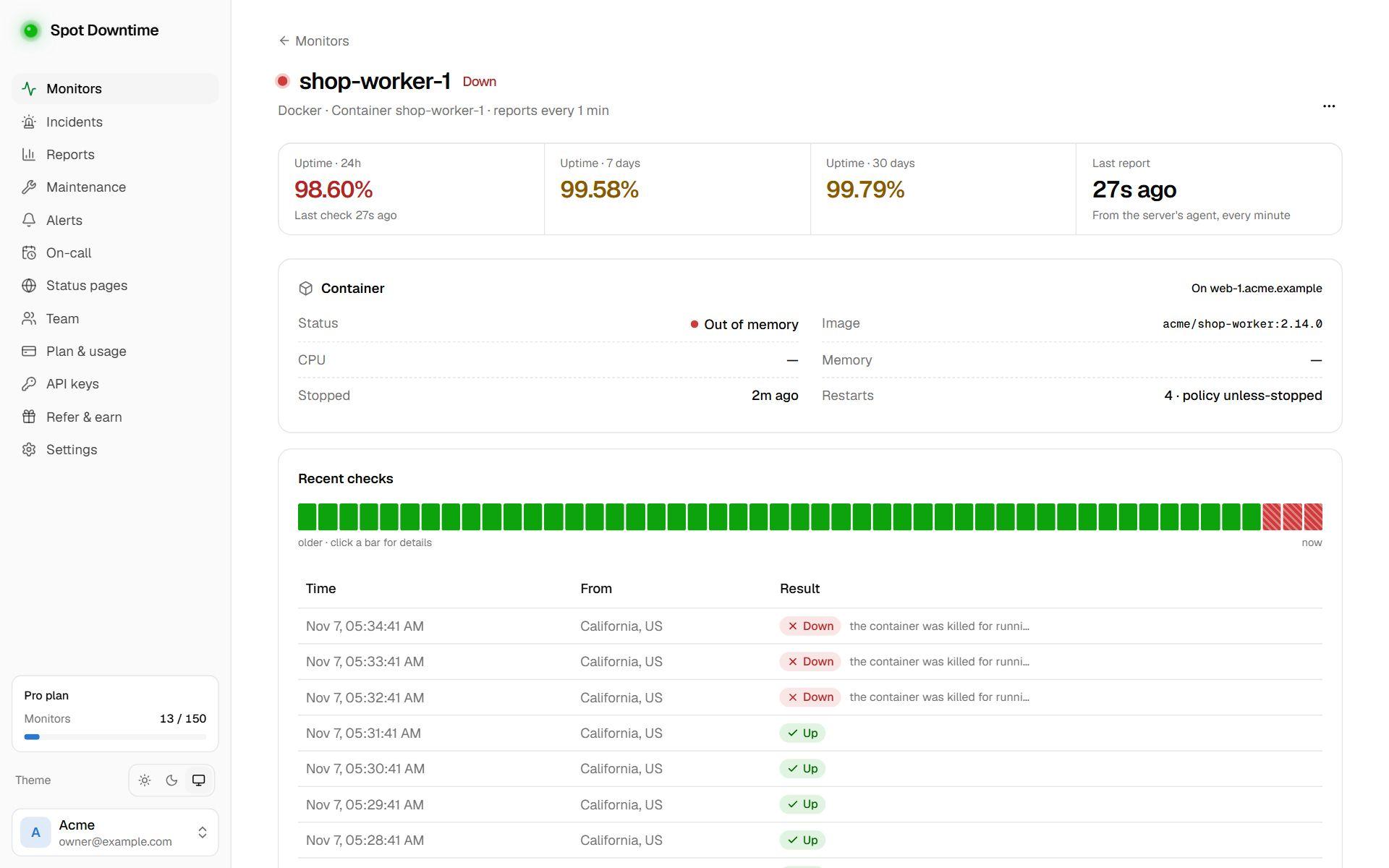
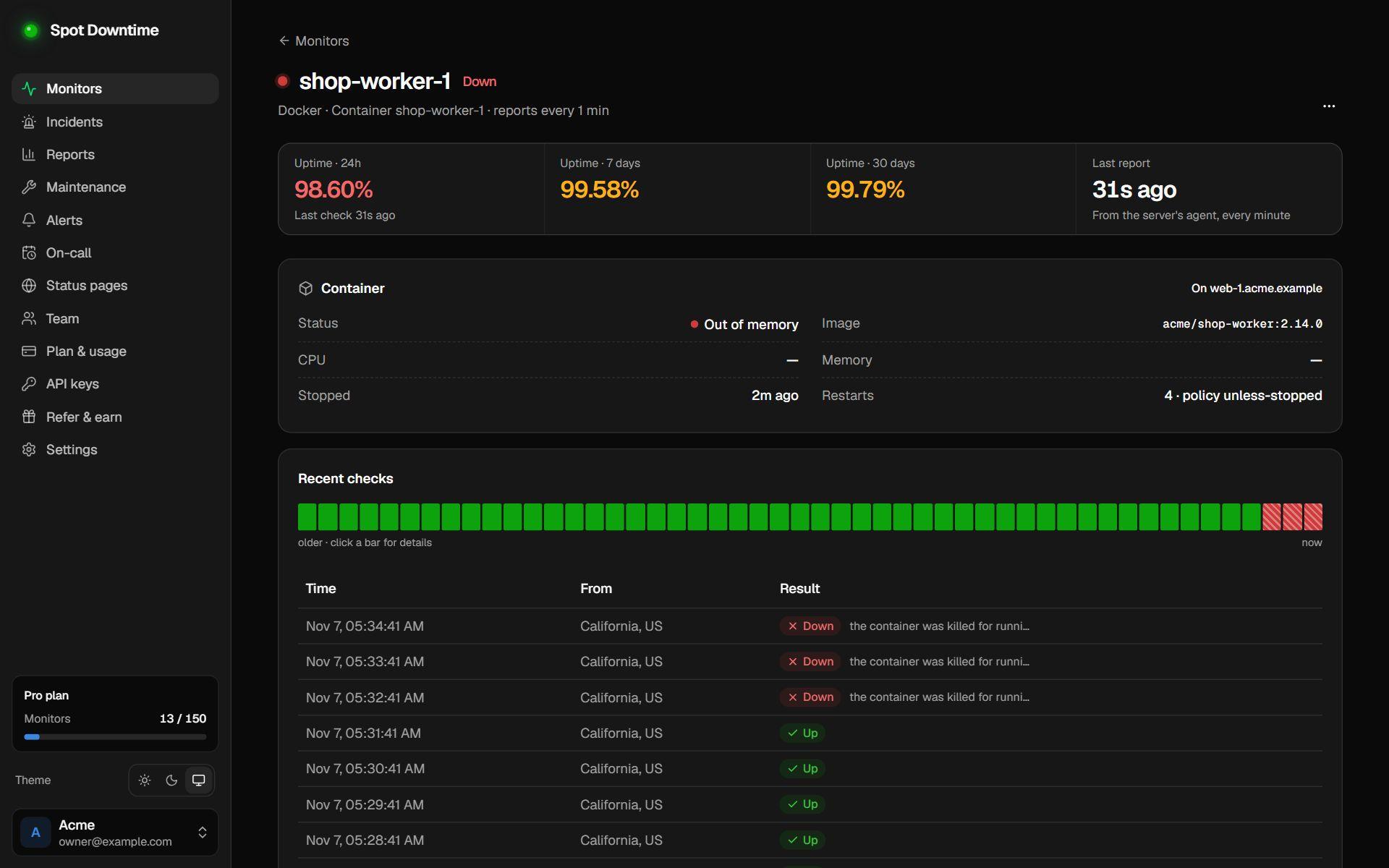
For your most important containers, click Monitor in the server's Containers table, or add a Docker container monitor. It's up while the container runs and passes its health check, and down with the reason when it doesn't, such as 'the container exited with code 1'. It has its own uptime history and incidents, can be shown on a status page, and alerts by every channel, SMS and phone calls included.
If the server itself stops reporting, its container monitors go down too, so a host that disappears never leaves its containers looking healthy.
Read-only by design
Reading Docker's socket requires the docker group, which can control Docker, so the agent only joins it when you install with --docker. The agent itself only lists and inspects containers and reads one-shot stats: it never starts, stops, or changes anything, opens no ports, and sends its reports out over HTTPS.